Payment
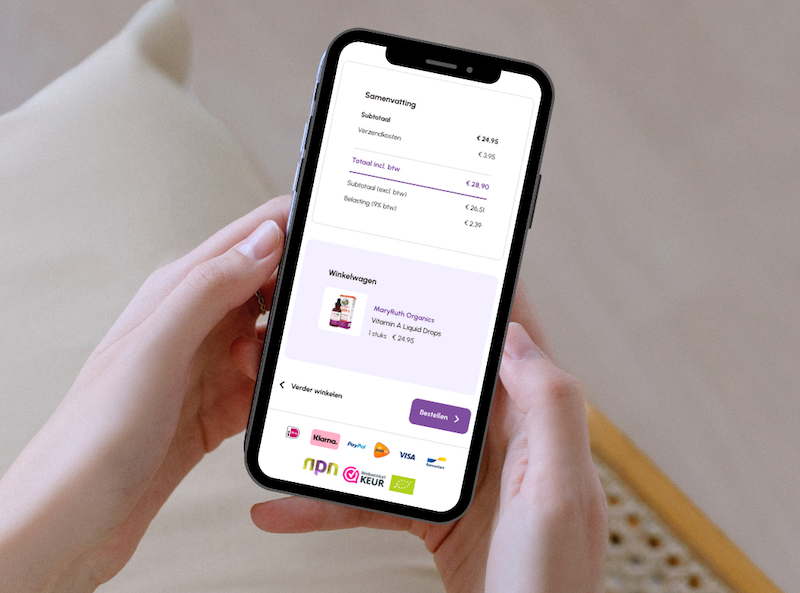
At morgenisnu.nl, you can pay for your order using your preferred payment method. Whichever method you choose, your payment with us is guaranteed to be secure. At checkout, you can choose from the following payment options:
iDEAL: through your own Dutch bank’s familiar online payment service.
Bancontact/MisterCash: through your own Belgian bank’s familiar online payment service.
Credit card: the amount is reserved and only charged once your order has been dispatched.
PayPal: a secure way to pay online without sharing your personal details.
Pay later: simply pay for your order within 30 days of receiving your products.
Bank transfer: manually transfer the amount due for your order within 14 days.
We use an SSL connection, or Secure Sockets Layer connection, for all online payments. You can recognise this by the padlock icon before the URL in your browser's address bar. An SSL connection means that all personal details you entrust to us are encrypted. This prevents anyone else from viewing your information. However, your password remains the most important form of protection. Never share your password with anyone and prevent unauthorised access to your account. Read more about privacy at morgenisnu.nl on this page.
Sometimes something can go wrong during an order or payment. There may be a technical fault at the bank or incorrectly filled in data. We do everything we can to help you as best we can. Do you notice that the order does not go through or do you have similar problems? Then contact us by sending an email to orders@morgenisnu.nlWe will help you as soon as possible with your order and the processing of your payment and in any case within 24 hours.
Have you received a discount code from us? You can easily enter it at the first stage of checkout, in your basket.
📱 Mobile view
At the bottom of the basket page, directly below the purple box, you’ll see the question: “Do you have a discount code?”. There you’ll find a field where you can enter your code.
💻 Laptop or desktop computer
Here too, at the bottom of the page, you’ll find the text “Enter discount code”, this time inside the purple box. Click it to display the field and enter your code.
Once the code has been accepted, the discount will automatically be deducted from the total.
🎥 Watch this video for step-by-step instructions on entering a discount code on a desktop or laptop.